Introduction
If you don’t have job experience, projects become your biggest strength.
Recruiters love to see what you’ve actually built or worked on.
Here’s how to correctly add projects to your resume in 2025.
1. Where to Place Projects
For freshers:
Put Projects after Skills or Education.
For experienced professionals:
Add them under Experience or as a separate section.
2. What to Include in Each Project
Mention:
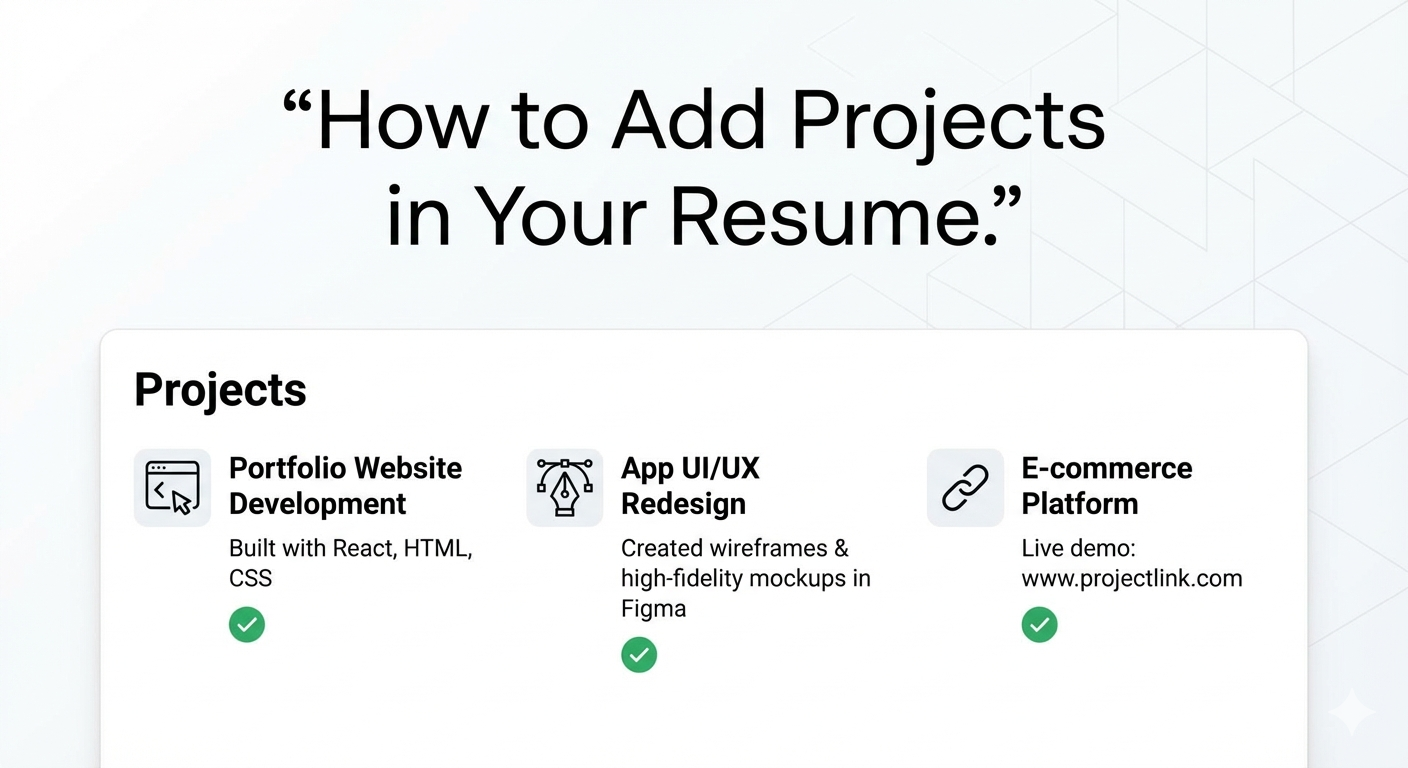
- Project name
- Tools used
- What you did
- Result
Example:
“E-commerce website built using WordPress and WooCommerce, improved loading speed by 40%.”
3. Use Bullet Points
Keep it simple and scannable.
4. Add Real or Sample Projects
College work, personal websites, or demo designs all count.
5. Add Links if Possible
GitHub, live websites, or Google Drive links add credibility.
Conclusion
Projects prove your skills more than certificates.
Add them smartly, and your resume becomes powerful even without work experience.